Staffing
Not enough hands at peak hours
When shoppers can’t find anyone to help, wait times grow — directly hurting conversion and the shopping experience.

Aiia’s digital associate talks with shoppers by voice or text — recommending products, pointing the way and building their shopping list.
Contact jessicaliu@graphen.ai
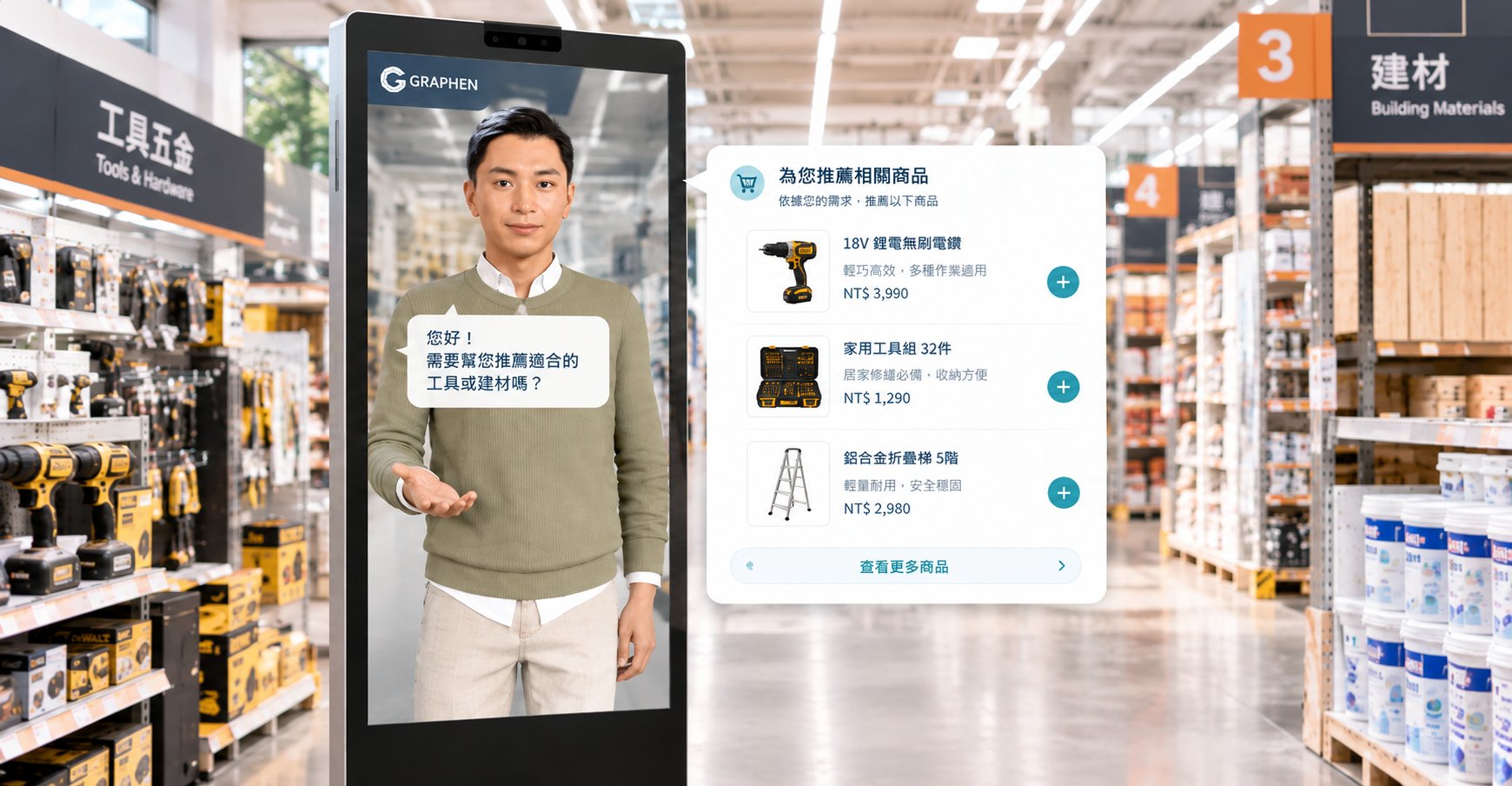
Shopper needs keep getting more diverse, but front-line staffing can’t scale at the same pace.
When shoppers can’t find anyone to help, wait times grow — directly hurting conversion and the shopping experience.
Spring cleaning, hosting a party, a DIY project — these are exactly when shoppers want to talk to staff. But each time takes effort to clarify needs and pick products across departments, and front-line staff can’t give everyone complete advice.
Where products are, where facilities are, what the return policy is — the same questions keep coming, leaving less time for high-value service.
It answers shoppers based on your product data, floor layout and service policies, so every question gets a consistent, instant response.
Asks about purpose and specs, then finds and recommends suitable items from your product database.
Turns the situation a shopper describes into a list of items, matched to products in your store.
Points shoppers to products and facilities with location cards and floor plans.
Compiles selected items and totals into a list shoppers can download to pick up their items.
From a shopper describing a real-life situation to matching products and locations on screen, the whole guided shopping journey happens in store.
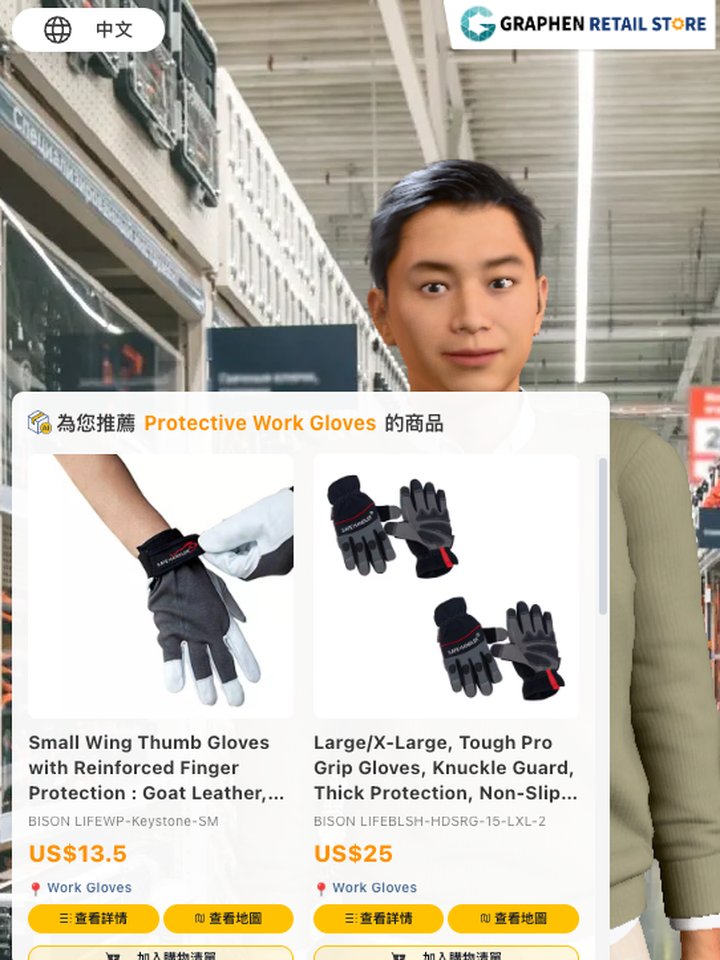
“Do you have protective gloves?”
The digital associate first confirms the purpose and specs, then searches your product database for matching items. Shoppers can compare them and add them to their shopping list.
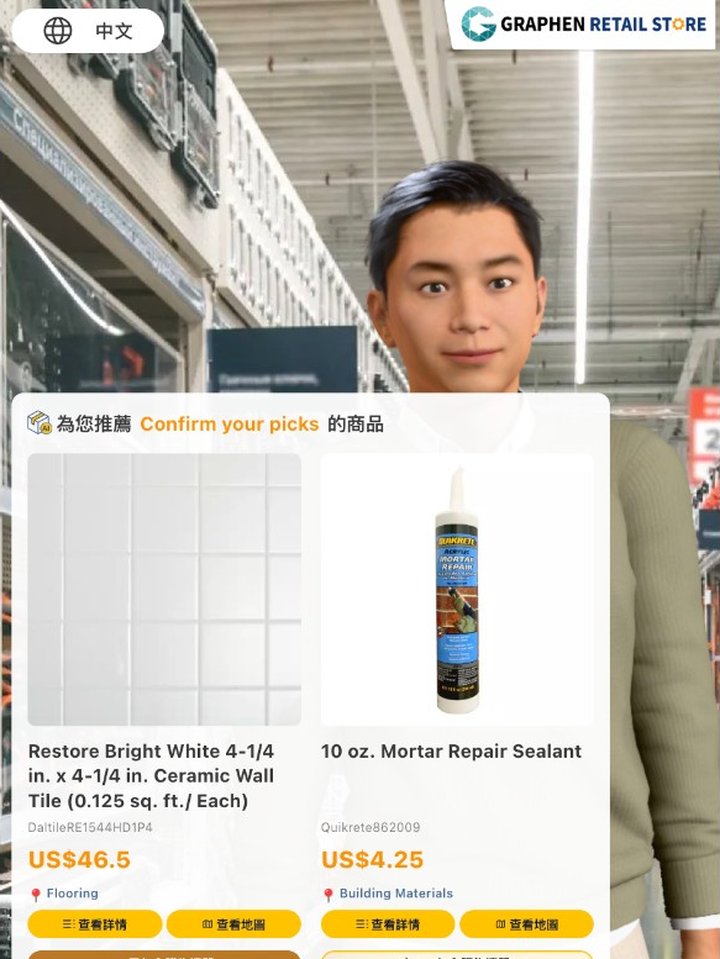
“A bathroom tile is cracked — what do I need to fix it?”
Shoppers just describe what they want to get done. The digital associate checks the details, plans the items needed and matches them to products in store. Once confirmed, the whole set is added to the shopping list at once.
“Where are the hammers? Can I return something without a receipt?”
Location questions are answered with location cards and floor plans; return, receipt and other policy questions are answered from your store’s knowledge base, so the explanation is the same every time.
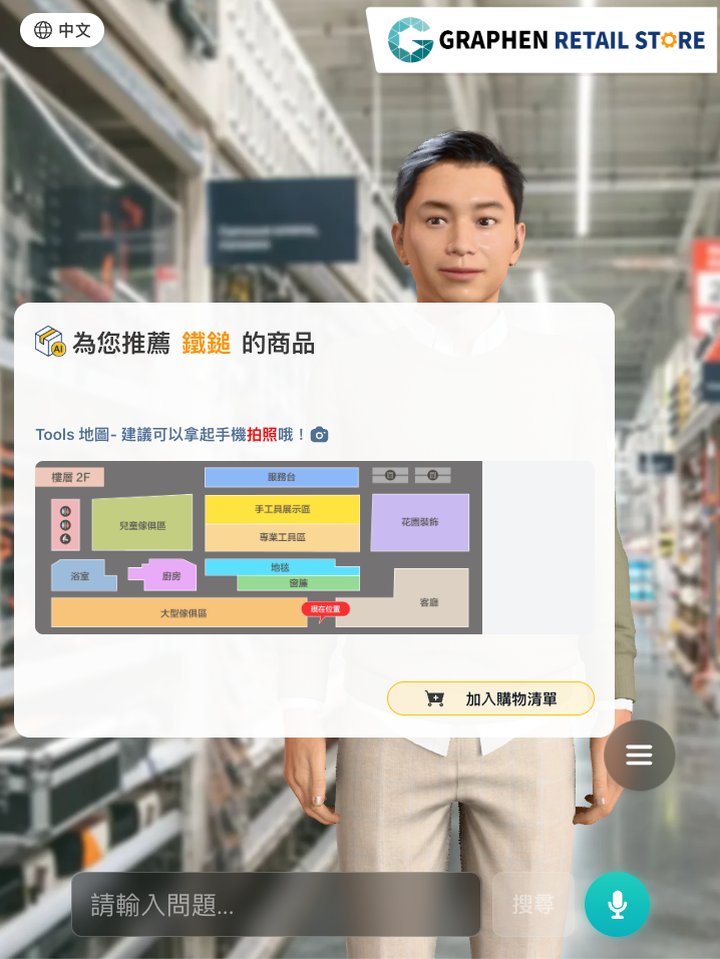
Connects your entire in-store shopping flow, so shoppers can get ready to buy right at the digital associate.
Ask by voice or text, or tap a suggested question.
The digital associate explains out loud, with live captions and product cards.
Open the floor plan to see where products are.
Add single items or whole bundles; review or remove them any time.
Download the list as an image with item names, SKUs, prices and total.
The digital associate replies conversationally, shows live captions, and proactively keeps helping.

Connects to your product database to find and recommend items by spec, purpose and stock status.
Shoppers can type in noisy environments; Chinese input-method candidate selection never sends by mistake.
The digital human’s mouth moves in sync with its voice for natural, believable interaction.
Shoppers can switch topics at any time and the digital associate follows along, without a fixed script.
Answers only about your products, locations and service policies, keeping brand messaging consistent.
Lists can be downloaded as an image, so shoppers can check items off on their phone.
Depending on your needs, we can connect to online carts, checkout, POS or membership systems, so shoppers can complete more of their purchase at the digital associate.
The Web and Kiosk editions offer the same shopping guidance, wayfinding and shopping list features. They differ only in how they are deployed and at what scale.
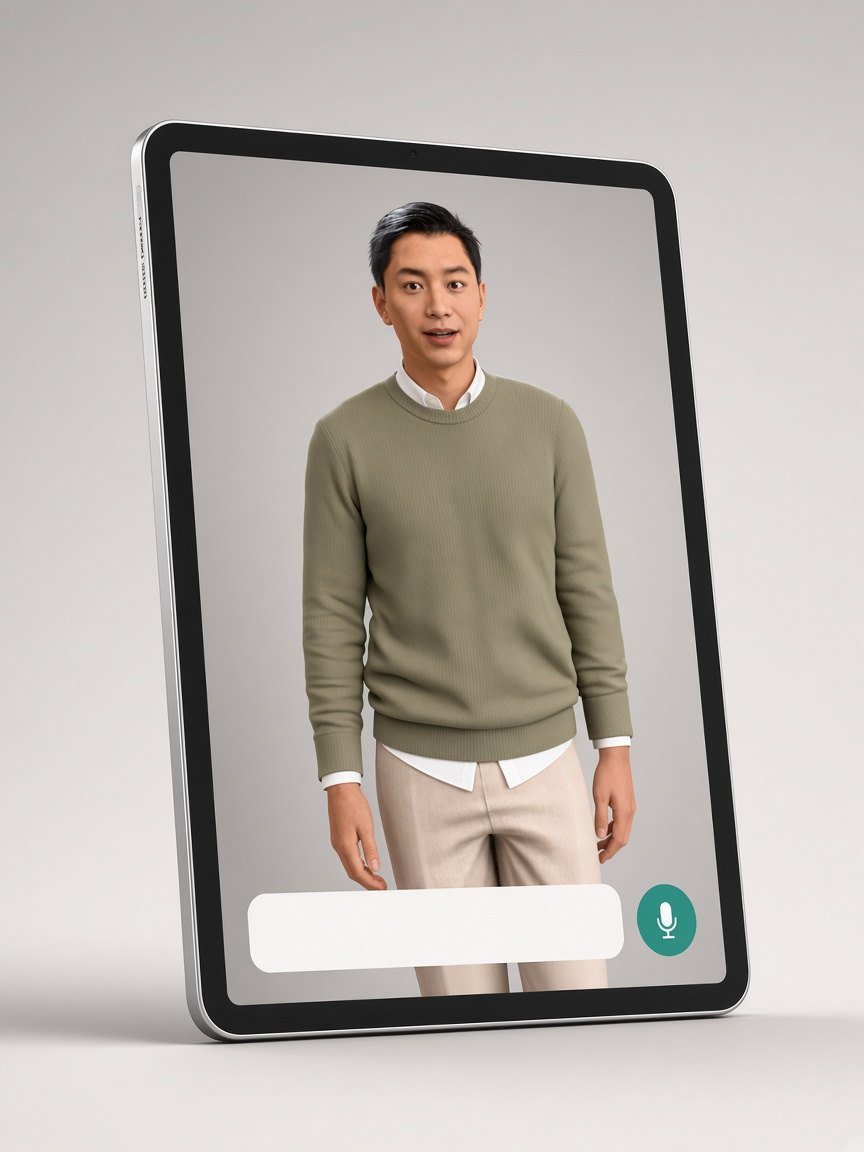
Runs in a browser. Ideal for stores that want to go live quickly or pilot in a single location first.
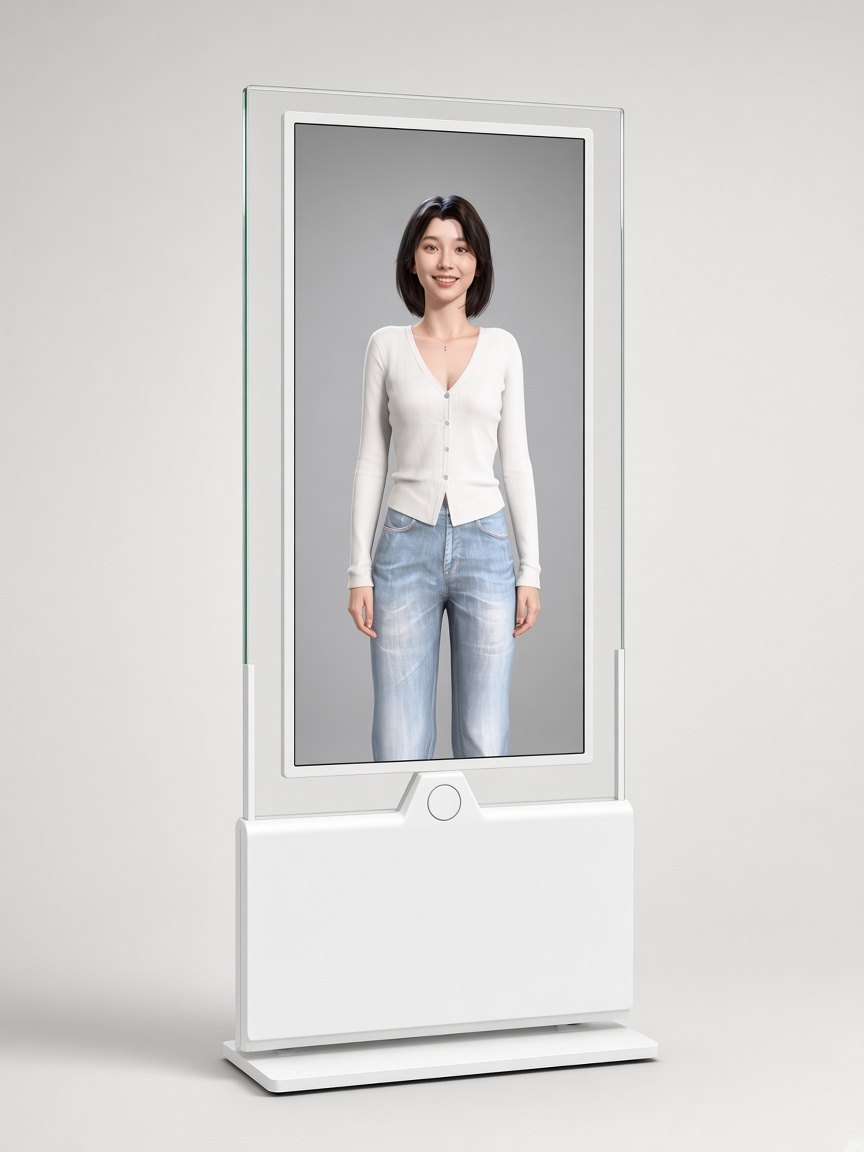
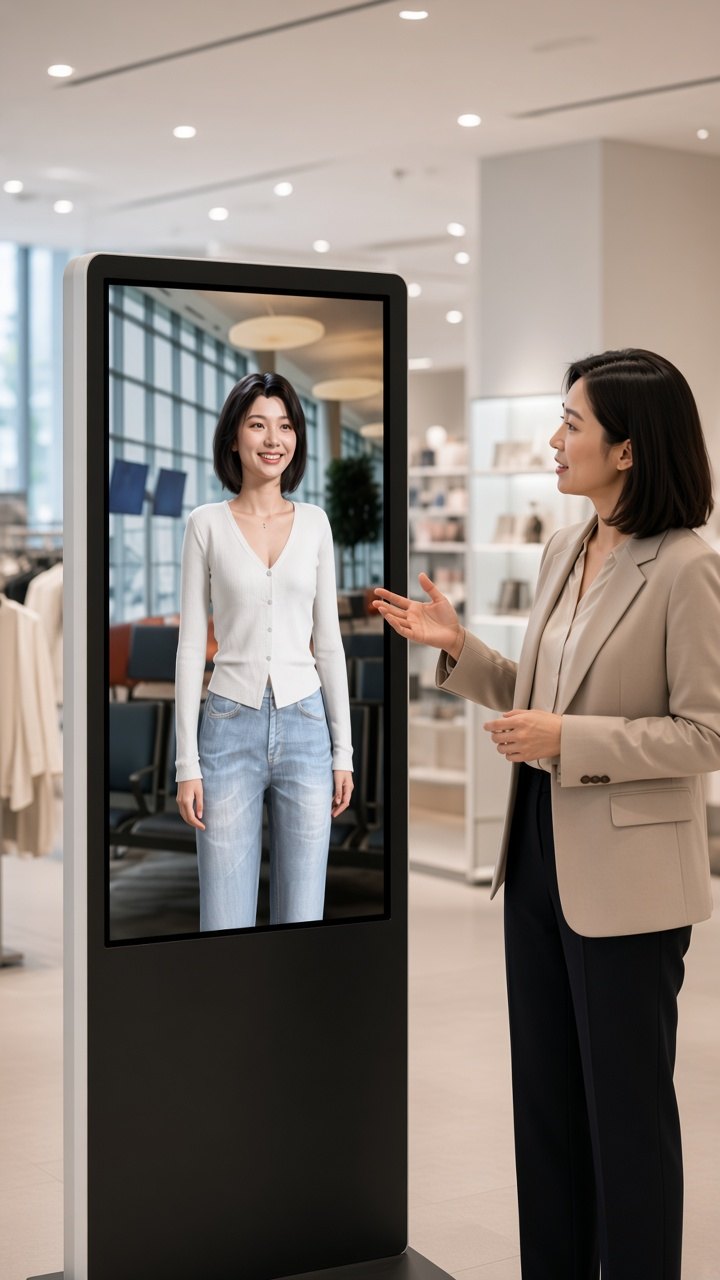
A freestanding physical kiosk, ideal for entrances and fixed service points in large stores and retail chains.
Both editions have the same features: product search and recommendations, scenario-based bundles, in-store wayfinding and shopping lists. The Web edition runs in a browser, goes live quickly and is offered as a subscription. The Kiosk edition is a freestanding physical kiosk set up by us and our partners, quoted per project.
The trial is free. Click “Free trial” to talk to the digital associate in our demo store and experience the full shopping journey.
The Web edition is a subscription. Plans depend on the number of stores and your usage needs. Try it for free or book a demo and we will walk you through the options.
The trial uses demo store data so you can experience recommendations, wayfinding and shopping lists end to end. To see it with your own product data, book a demo.
Yes. Store staff update products, prices and related information in the OMS admin console, and the digital associate recommends based on the latest content — no need to outsource every change.
No. Floor plans, facility locations and policies such as returns are also maintained in the OMS admin console. With content in one place, the Web and Kiosk editions always tell shoppers the same thing.
The Web edition runs in a desktop browser or on a tablet; we recommend iPad Air M2 (6th generation) or later. For the Kiosk edition, we and our partners plan and set up the kiosk for you.
The digital associate uses realtime voice technology that understands input in more than 70 languages and replies in 13, and shoppers can switch languages at any point in the conversation. Exact language support depends on the model and edition; service languages can be configured for your store during rollout.
Yes. Beyond the product database, the digital associate can connect to online carts, checkout, POS or membership systems as needed. This is assessed and customized based on your existing setup — book a demo to discuss integration and rollout with a consultant.
Talk to the digital associate in our demo store right now, and experience the full flow from question to recommendation, wayfinding and shopping list.
Tell us about your store size and setup needs, and our team will contact you about kiosk planning, installation and pricing.
Still evaluating? and a consultant will walk you through it based on your store.
Contact jessicaliu@graphen.ai